Free checklist
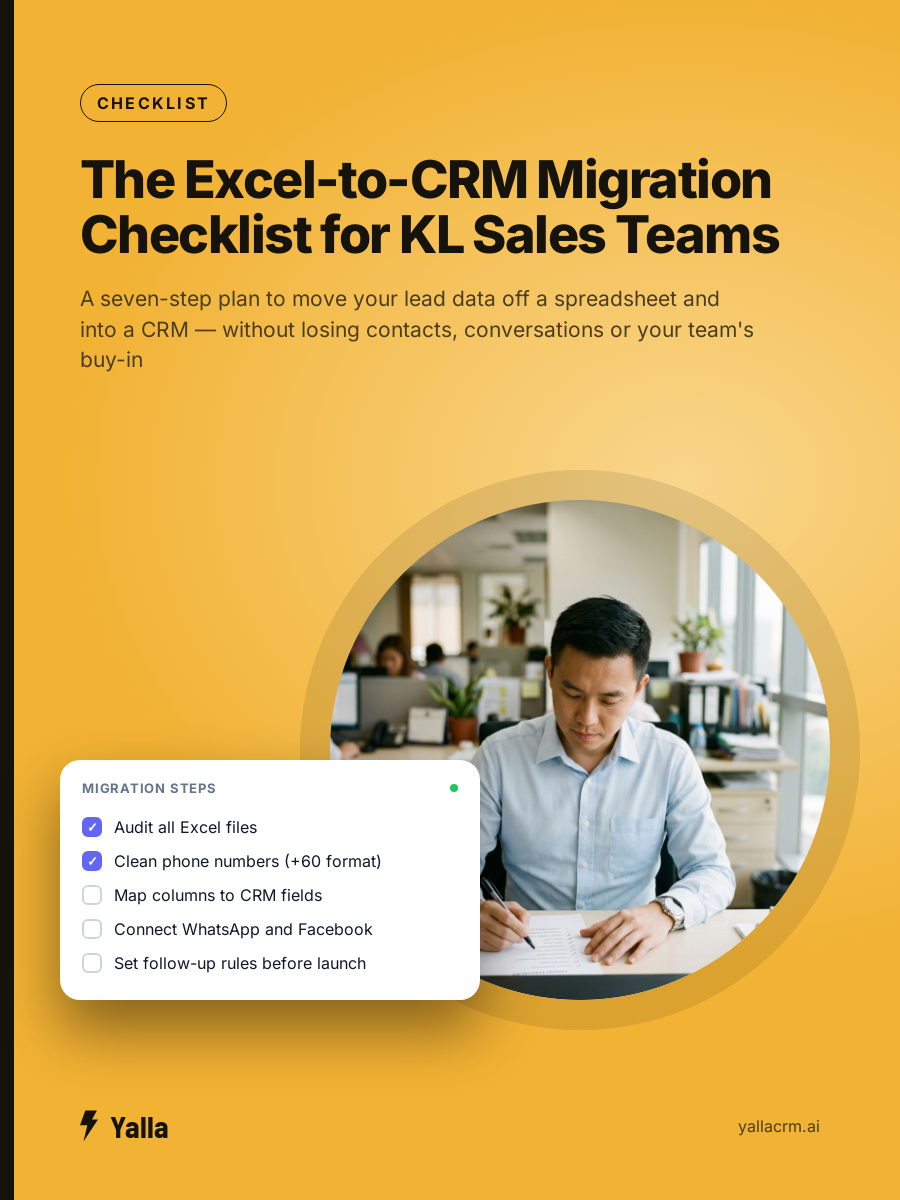
The Excel-to-CRM Migration Checklist for KL Sales Teams
A seven-step plan to move your lead data off a spreadsheet and into a CRM — without losing contacts, conversations or your team's buy-in
- Step-by-step data audit to find every lead file your team is using — including ones that diverged months ago
- Column-by-column cleaning checklist: phone format standardisation, duplicate removal, status consolidation
- Field mapping table: which Excel column goes to which CRM field, with a list of columns you can delete entirely
Get your free copy
Instant download, and we'll email you the link so you never lose it.
No spam, ever. Your details stay with us.
What's inside
- Step-by-step data audit to find every lead file your team is using — including ones that diverged months ago
- Column-by-column cleaning checklist: phone format standardisation, duplicate removal, status consolidation
- Field mapping table: which Excel column goes to which CRM field, with a list of columns you can delete entirely
- Assignment and follow-up rules to set before your team logs in for the first time
- Three ready-to-use follow-up messages in English, Bahasa Malaysia and Simplified Chinese
- 30-day launch checklist with the four signs that migration has actually stuck
Who this is for
Sales managers and business owners in Kuala Lumpur running a sales team on a shared Excel file, ready to move to a proper CRM without losing their data.
Made by the team behind Yalla — the chat-native CRM where the AI does the work, not just the talking.